


Token Types
Token Types in Tokens Studio
The type is the anatomic part of a Design Token that defines the category of design property the decision belongs to, or when it can be applied.
You might recall from our Intro to Design Tokens Guide that the type determines what Values are acceptable.
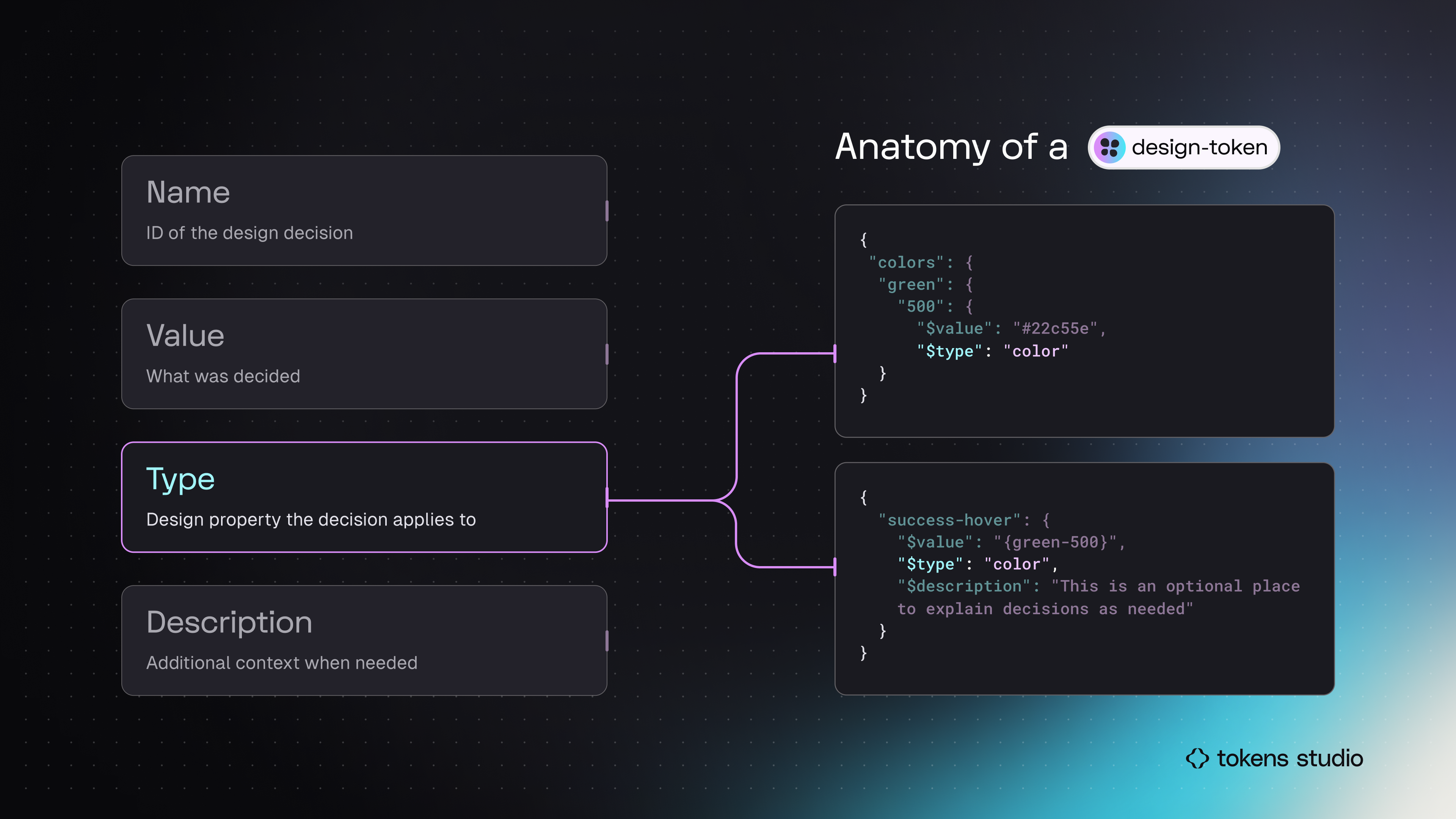
In this infographic, the Token examples on the right side highlight the Type. Both code blocks have coloras the Token Type.
Tokens Studio (TS) supports 24 unique Token Types.
Before you jump into the technical docs for each Token Type, you may want to review the common terms and concepts below that will help strengthen your knowledge.
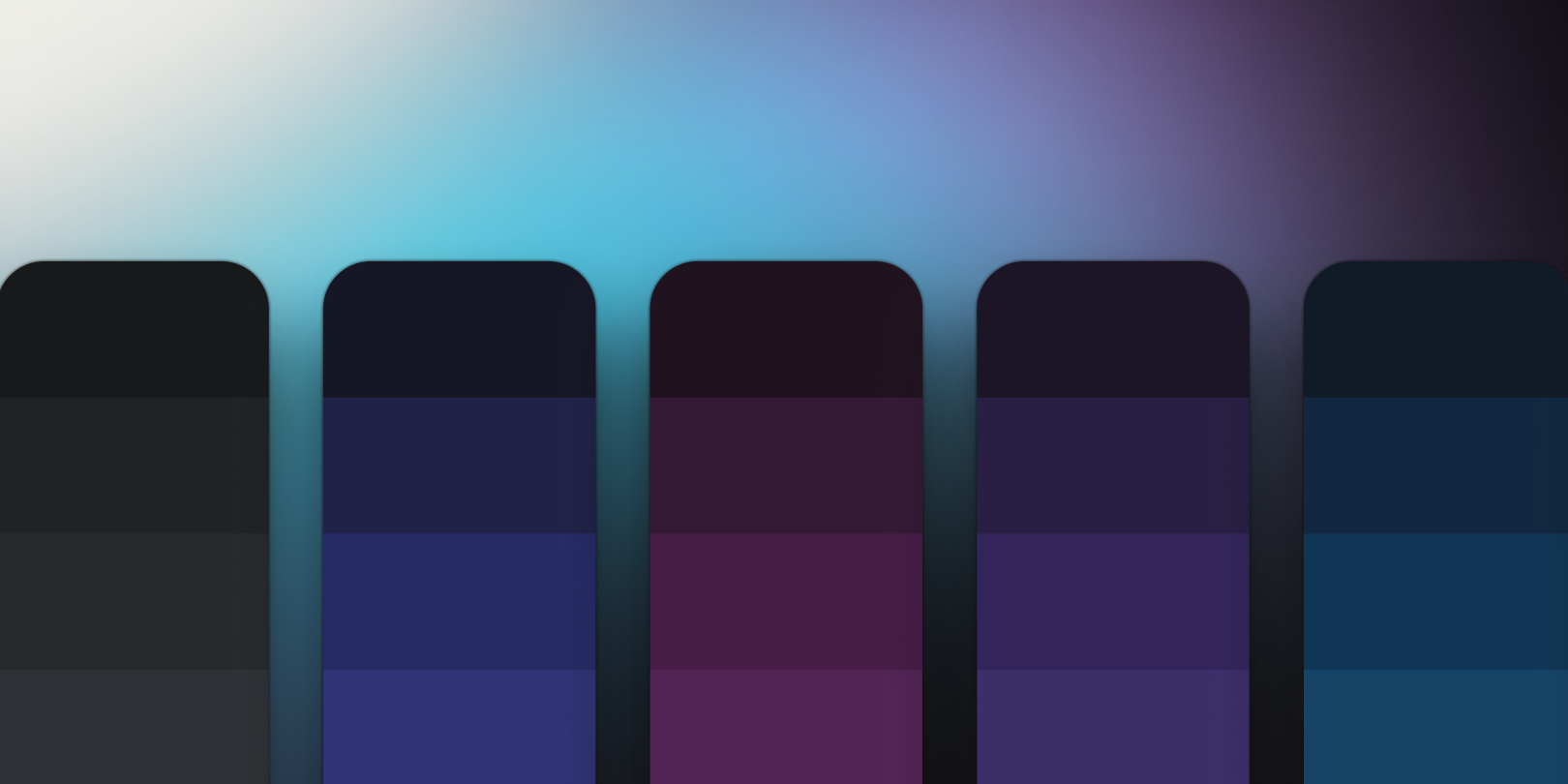
Color
Layer fill and stroke.

Opacity
Defines layer transparency.
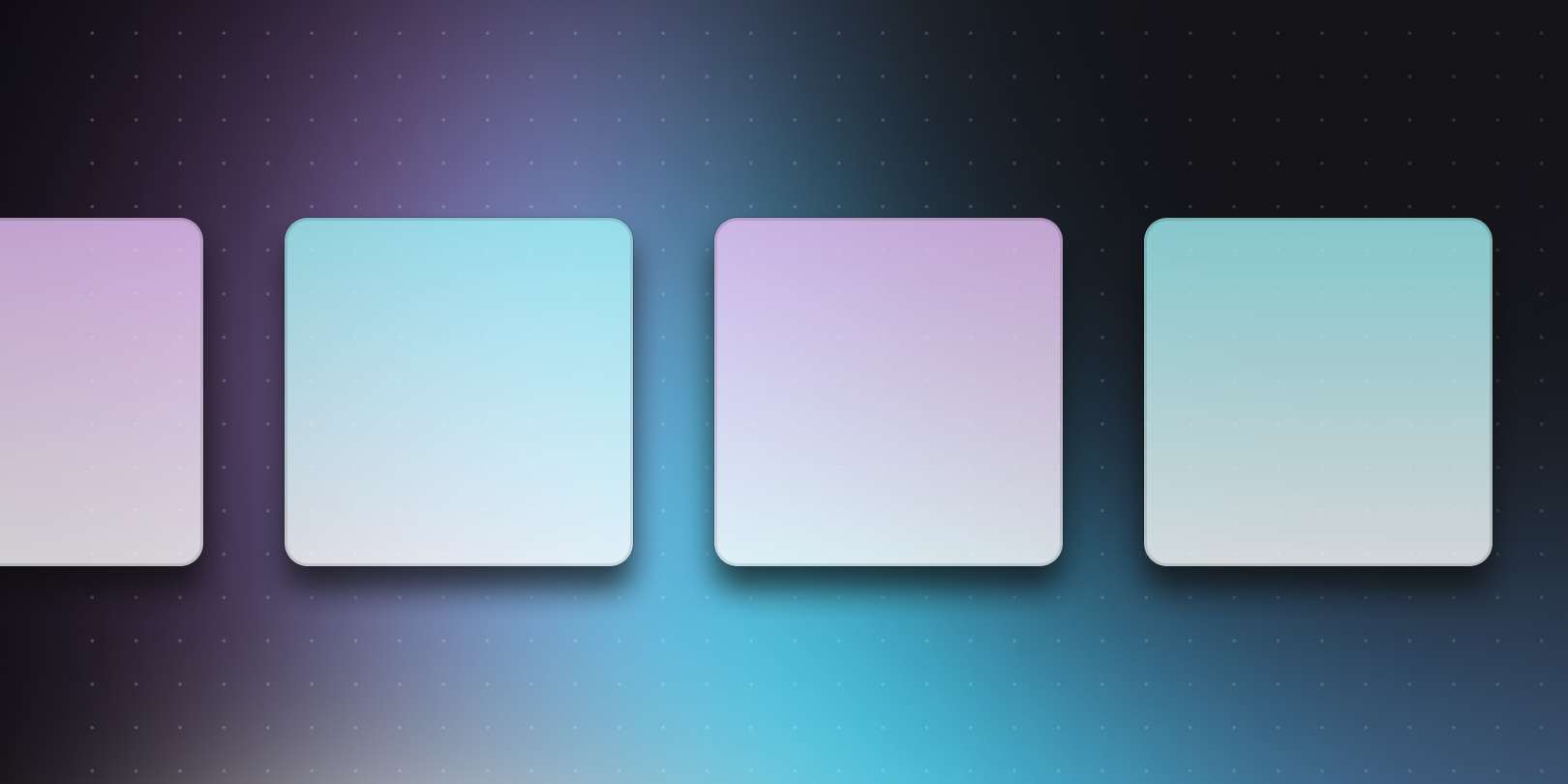
Box Shadow - Composite
X, Y, Blur, Spread, and Color.
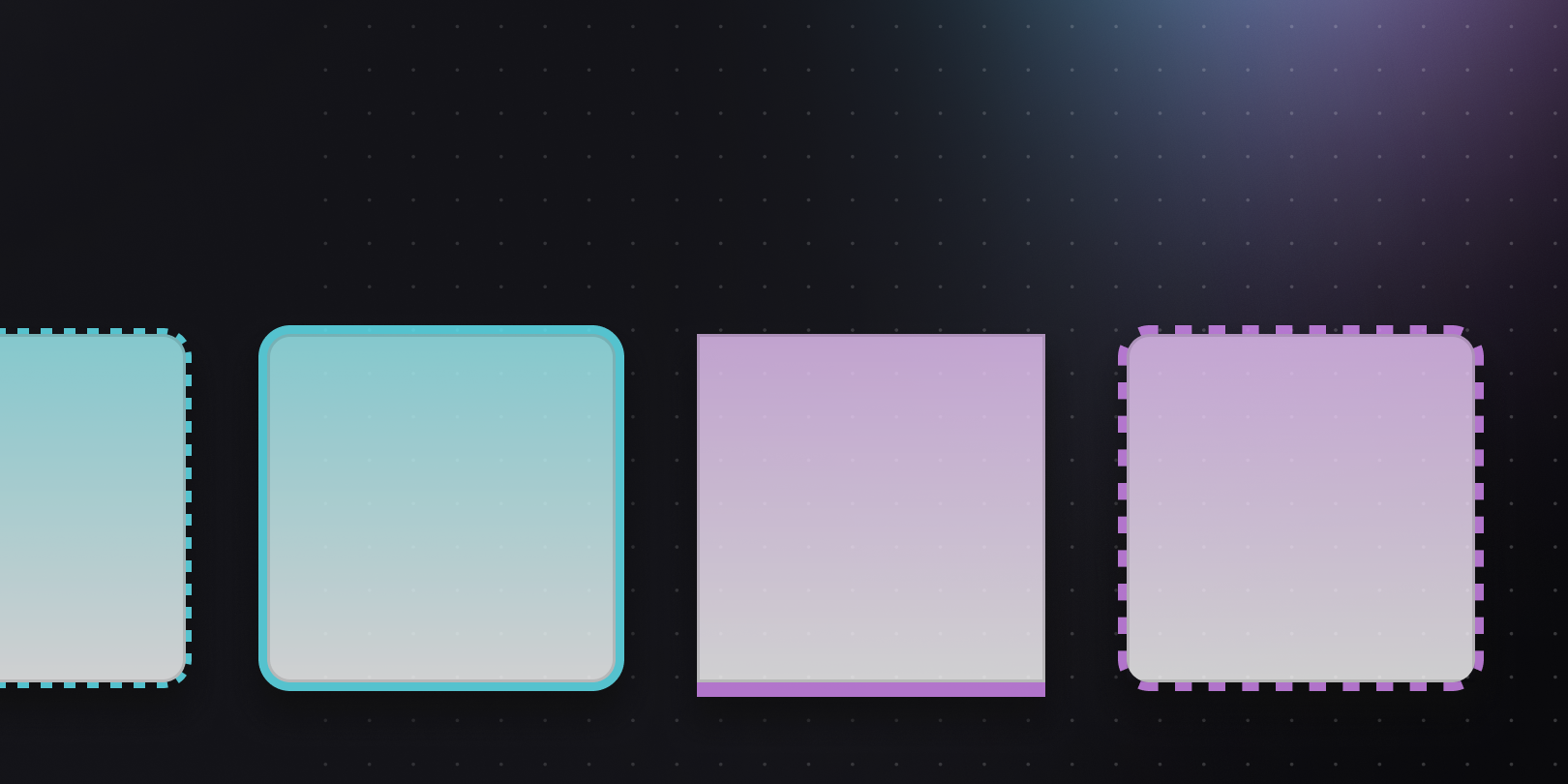
Border - Composite
Stroke color, width and style.
Asset
URL hosted images and assets.
Boolean
Controls layer visibility.
Number
Unitless numeric value.
Dimension
Numeric value with pixel or rem units.
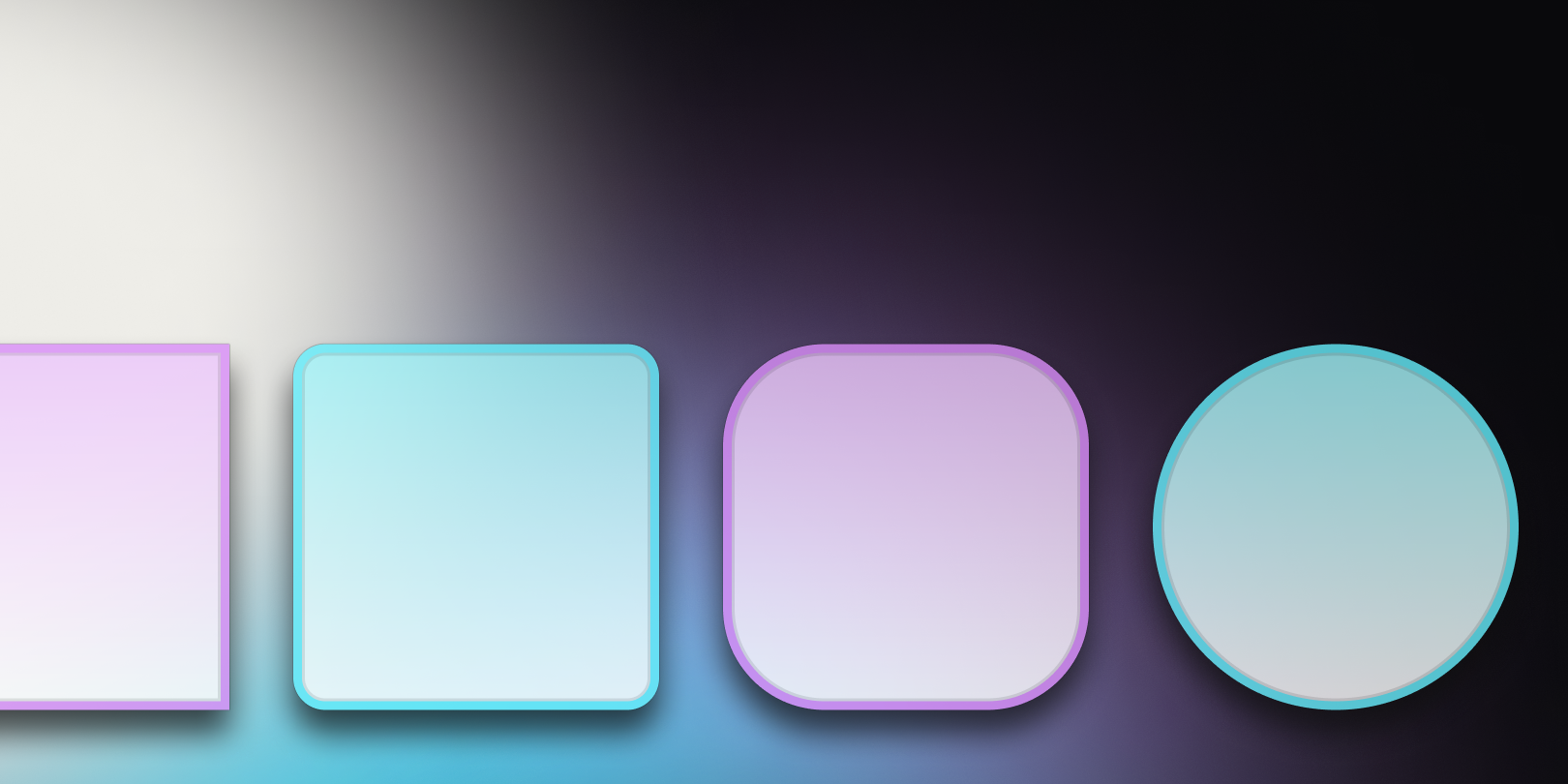
Border Radius
Unofficial Token converted to a Dimension Token.

Text (string)
Strings of text for copy and content.
Typography (composite)
All text and font styling properties combined.
Font Size
Define in pixel or rem values for responsive design.
.png)
Font Family
Works with Font Weight as a pair in Figma.
Font Weight
Works with Font Family as a pair in Figma.
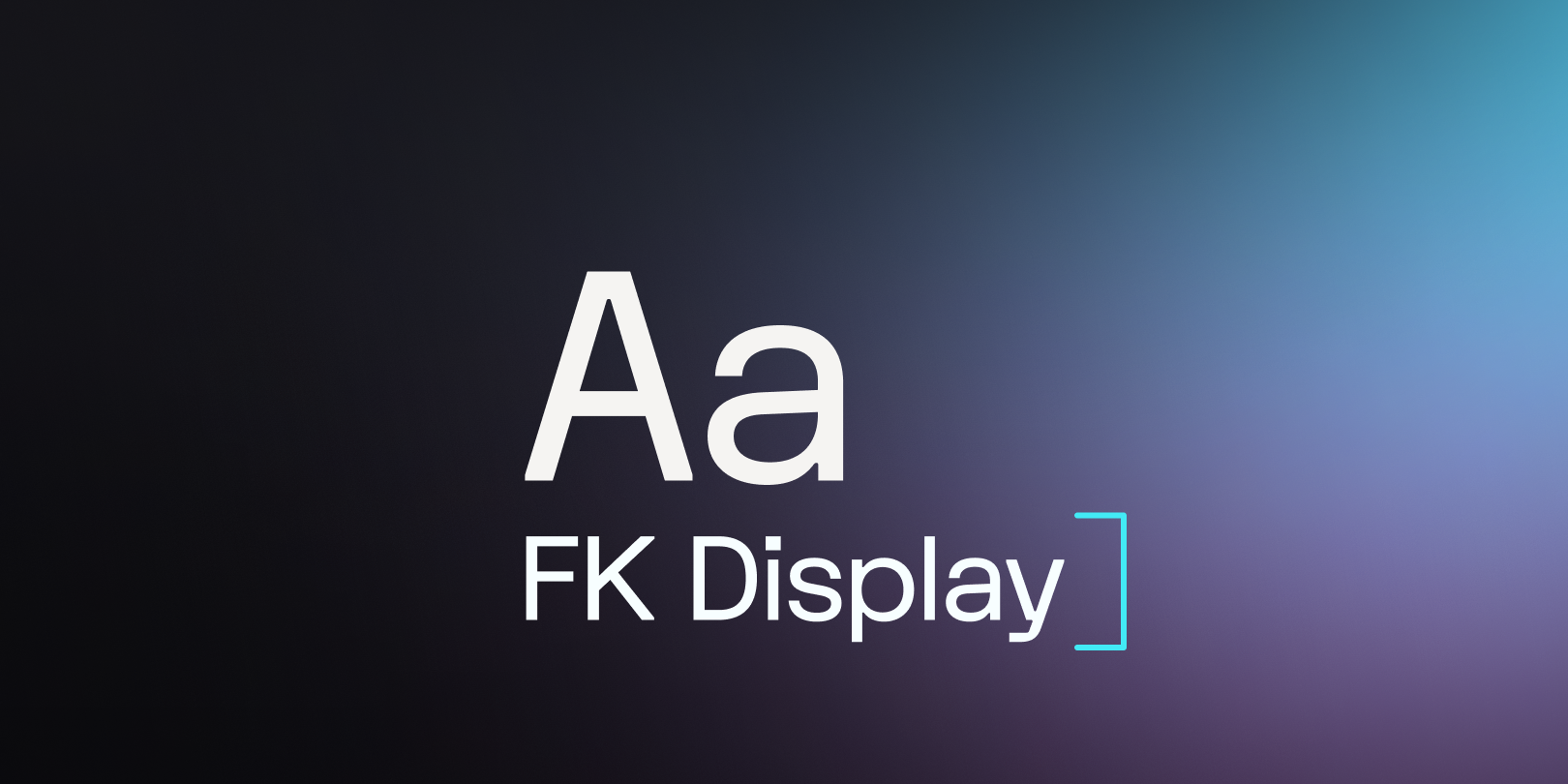
Line Height
Define in percentage for responsive design in Figma.
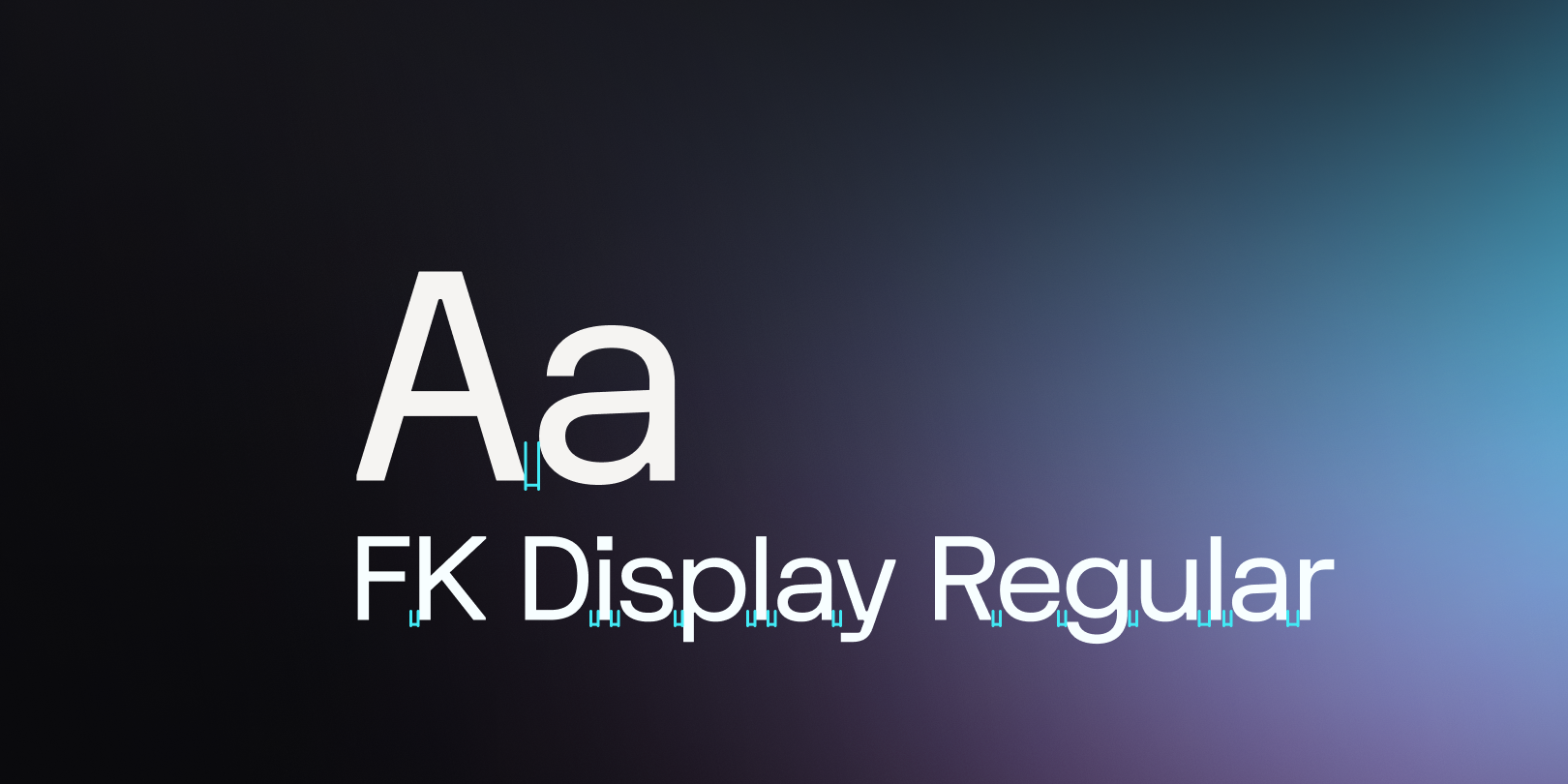
Letter Spacing
Define in percentage for responsive design in Figma.
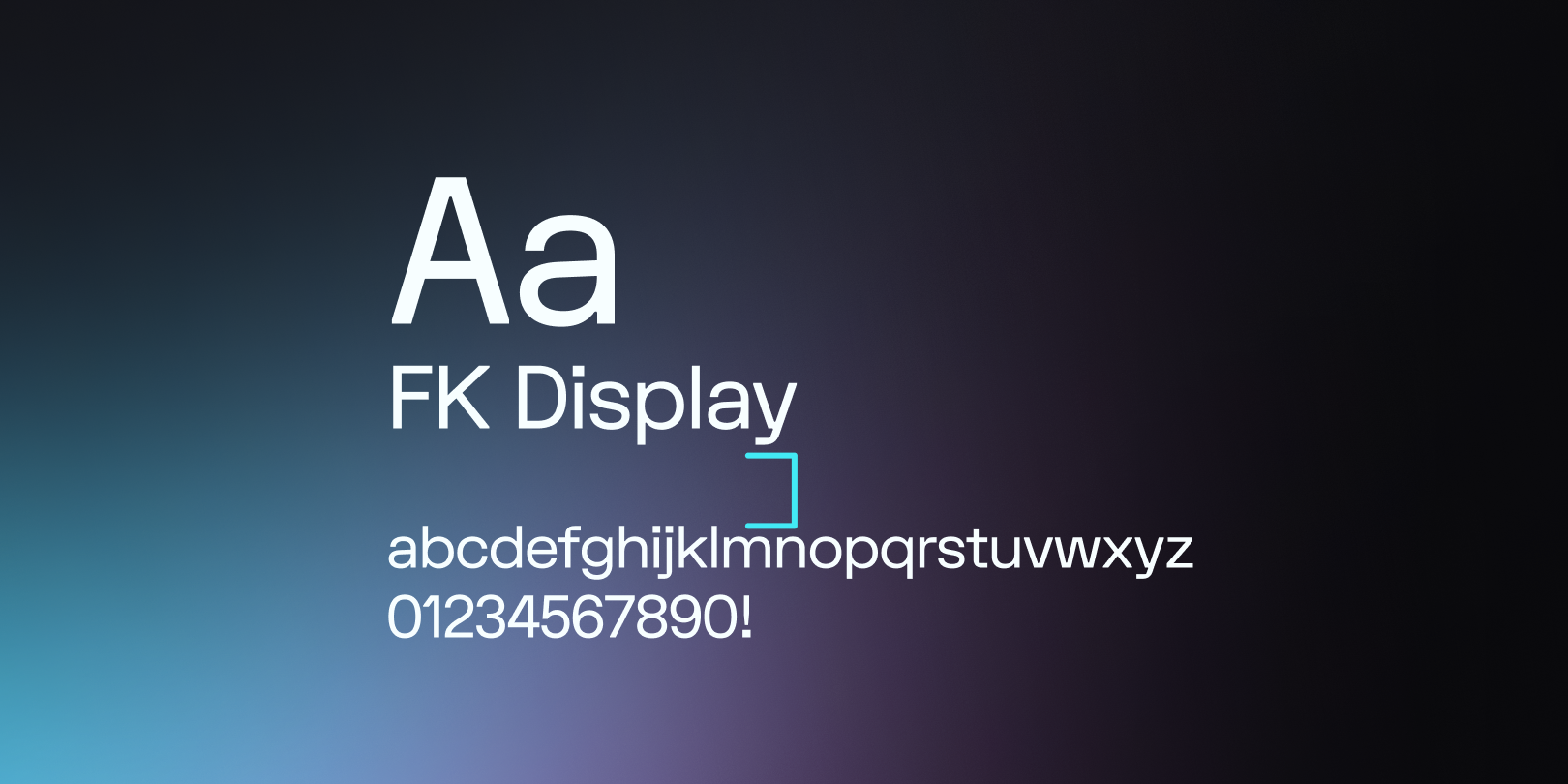
Paragraph Spacing
Matches Figma's text property.
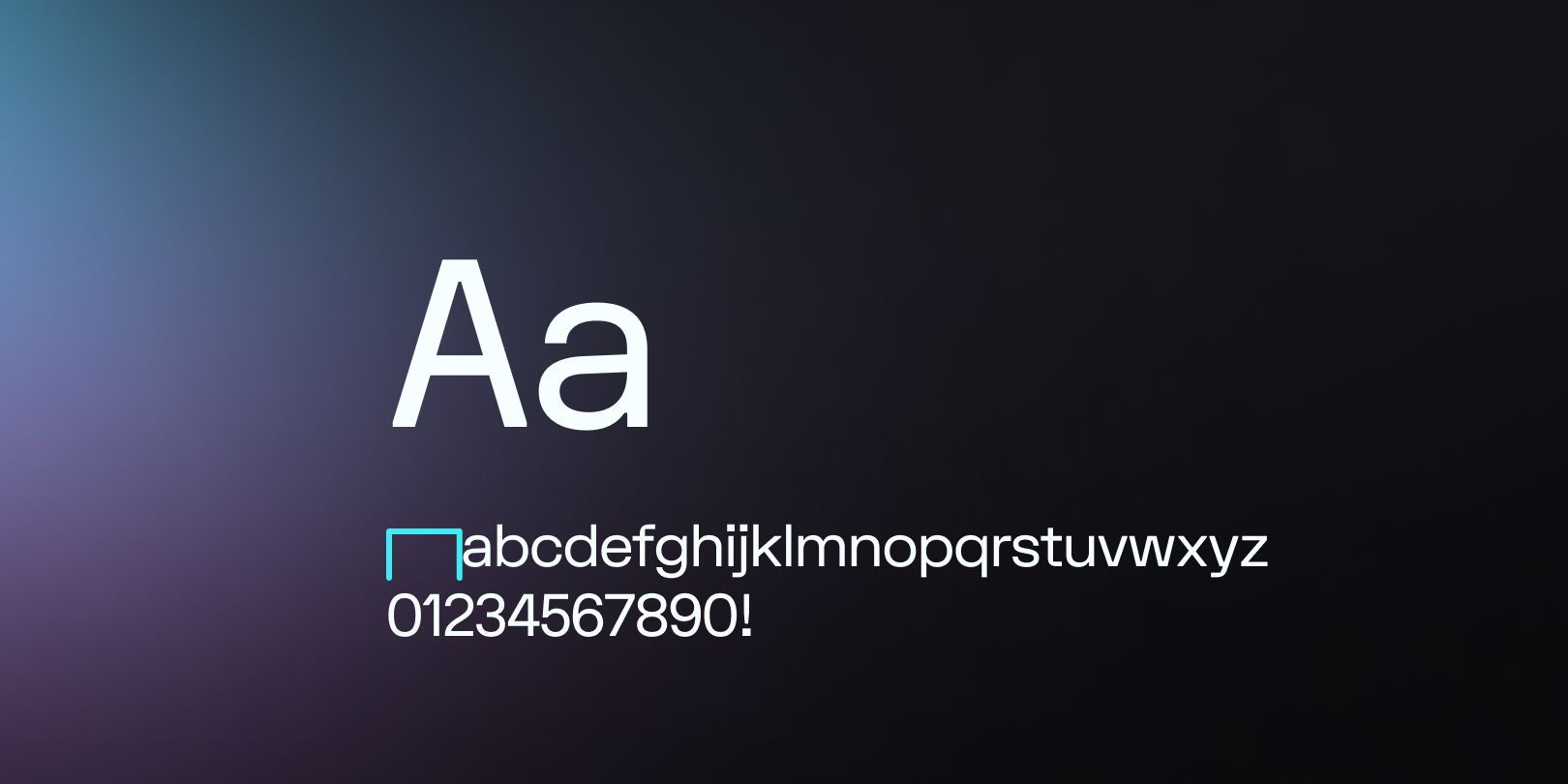
Paragraph Indent
Defined as a Dimension Token.
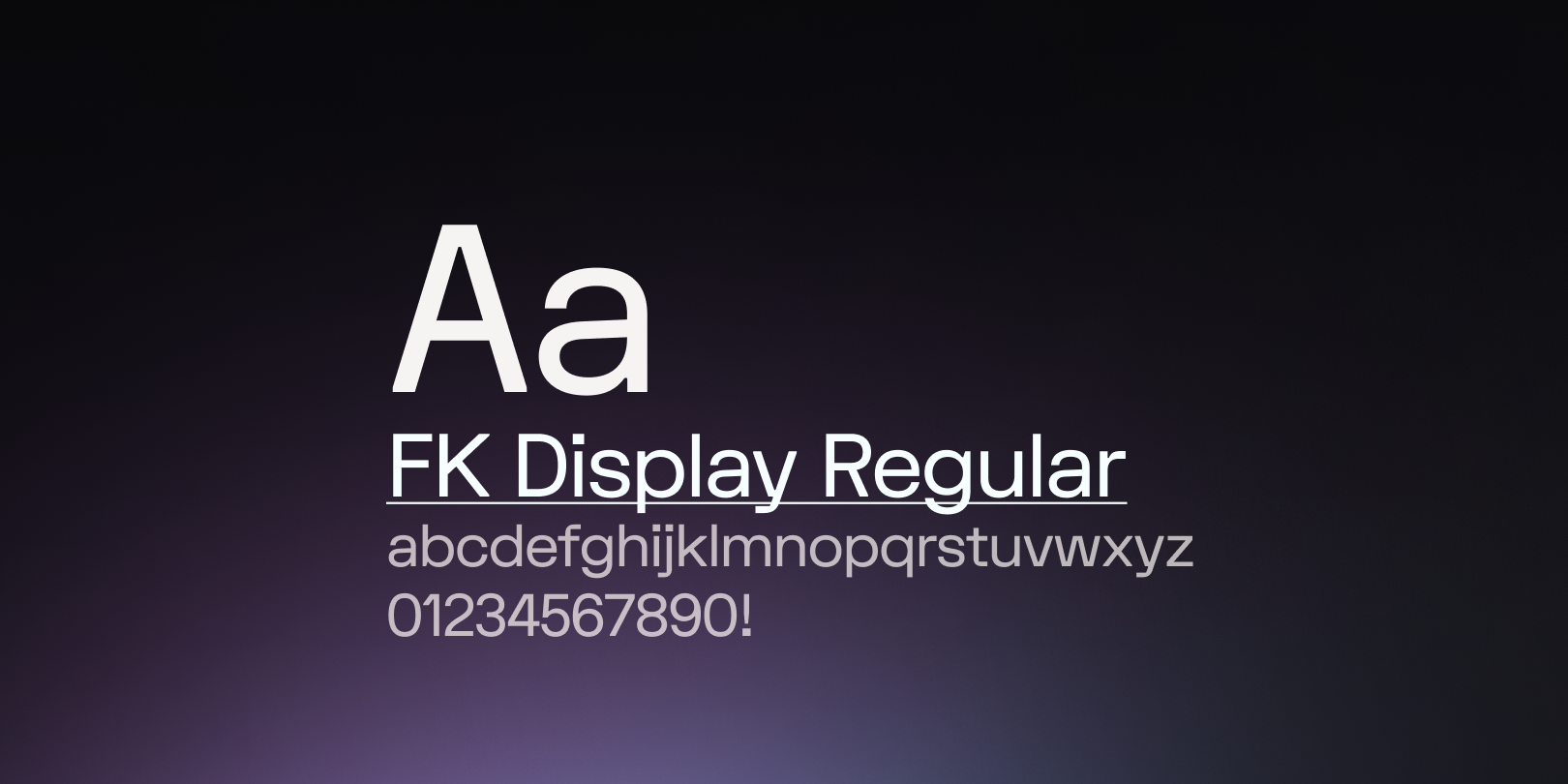
Text Decoration
Define underline or strike for additional emphasis.
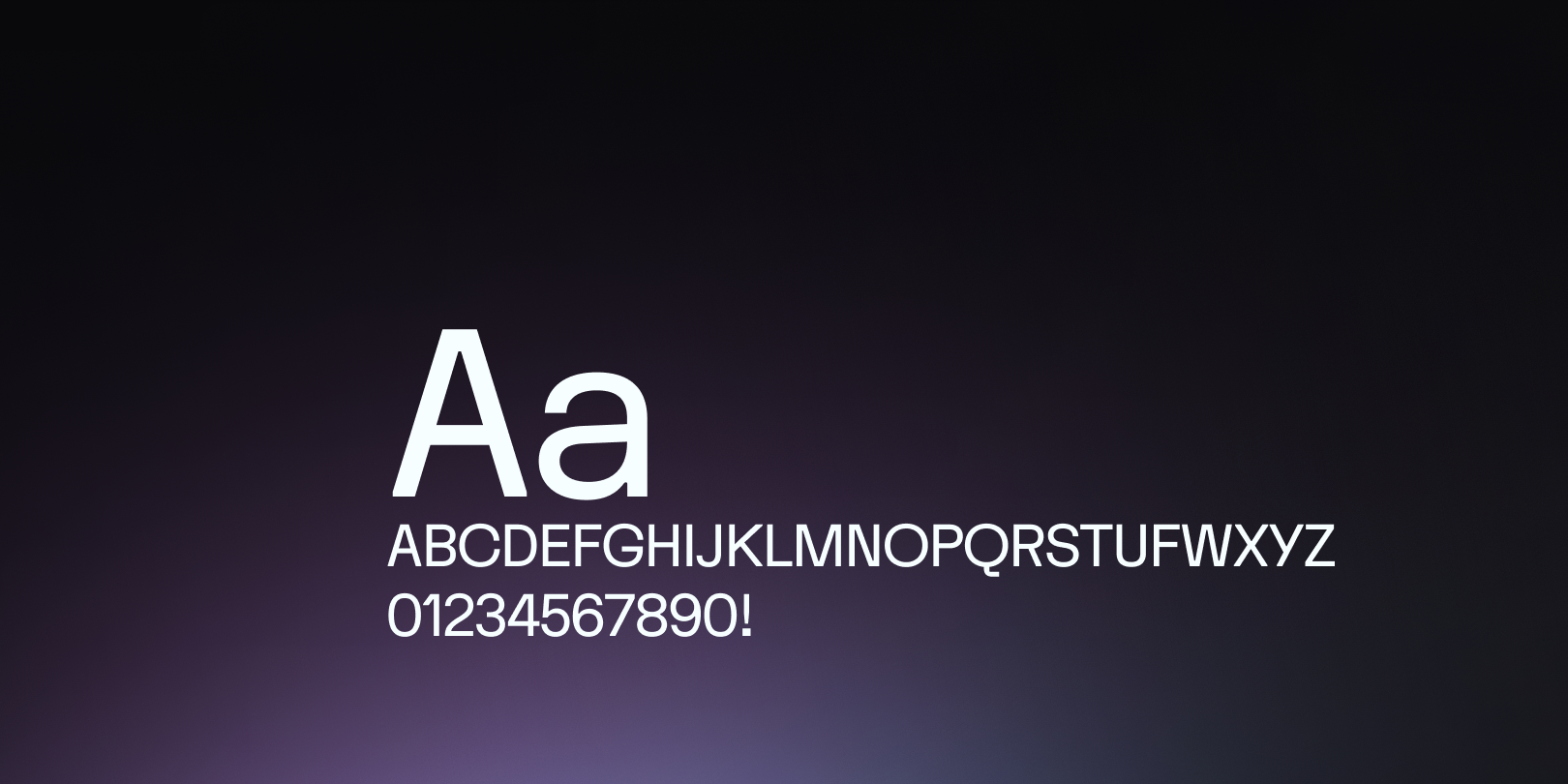
Text Case
Define caps or title case to change text.
Common Terms
These terms are not the only way to describe Token Types; they are the labels the Tokens Studio team uses for simplicity across our documentation.
If your team uses different descriptive terms, that's totally okay!
Official
Official Token Types are listed in the W3C Design Tokens Community Group (DTCG) Specifications for Design Tokens
For example, Dimension Token is an official type.
Unofficial
Unofficial Token Types were created by Tokens Studio before the W3C DTCG Specs defined an alternate Token Type.
For example, Border Width Token is an unofficial type defined by the spec as a Dimension Token.
Tokens Studio will continue to support unofficial Token Types for now. We've already built a conversion into our SD-transforms script; more details are below ↓.
INFO
Any Token Types we are planning to deprecate will be listed as legacy.
Composite
When elements are styled by composing many related design decisions together, they are combined into a Composite Token Type.
For example, a Typography Token is composed of 9 independent text-related properties.
Property
Each design decision that is a part of the Composite Token is referred to as a property of their respective Composite Token in our guides.
For example, fontFamily and fontWeightare unofficial Tokens we created to independently define the properties that Compose a typography Token.
They may be included in the DTCG Specifications in the future, in which case they would be official property Tokens.
Compatible
A Token Type with properties that is compatible with another Token Type.
For example, the dimension Token Type is compatible with fontSize when referenced within a typography Composite Token.
Compatible Token Types are visible by default when defining Token Values which reference another Token in the plugin. This becomes important when creating and maintaining Tokens in the plugin.
Working with Token Types
In the Plugin, you select which Type of Token you'd like to create using a no-code interface. Under the hood, Tokens Studio will write the Token as properly formatted JSON files so they can be used in code.
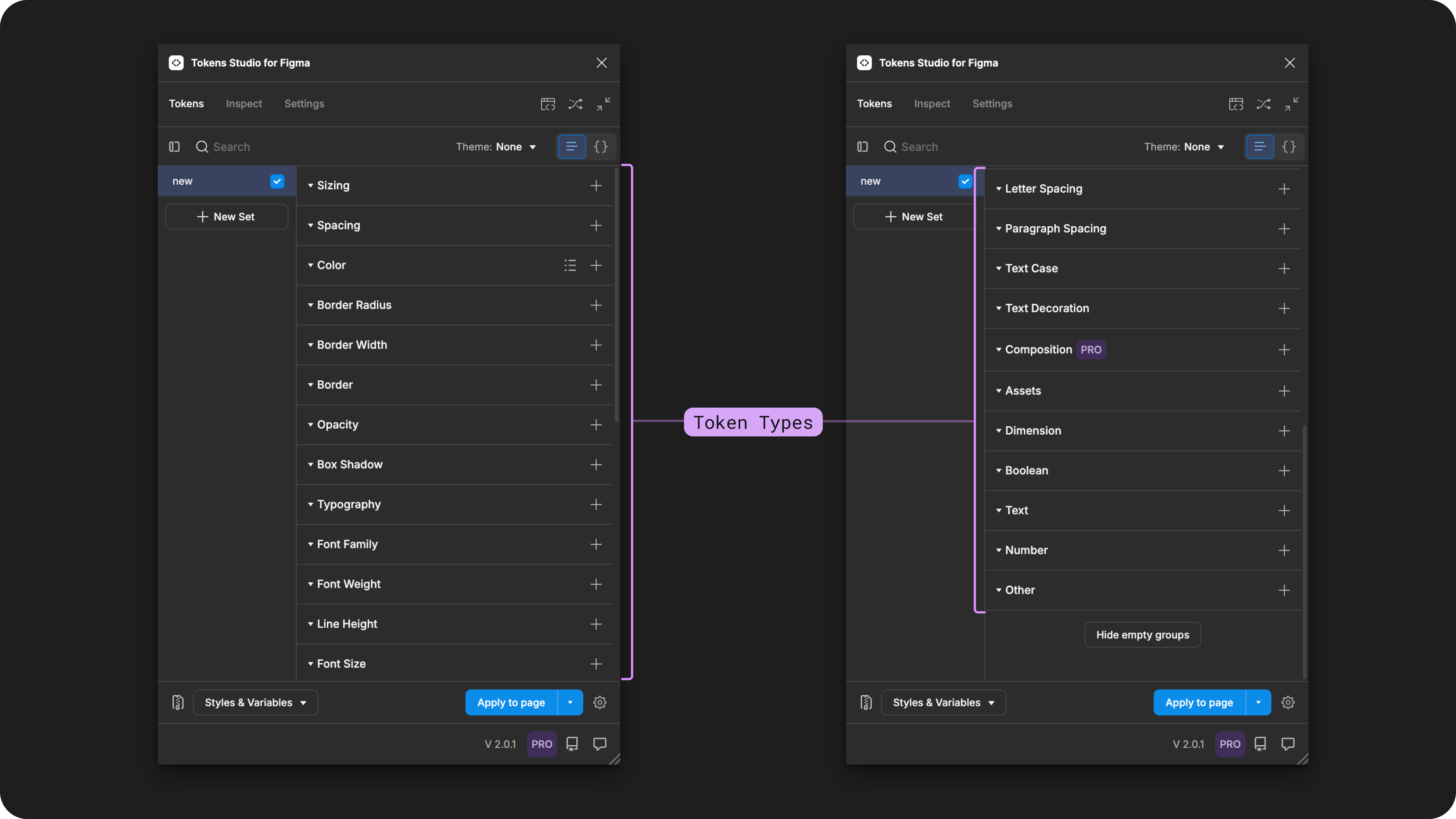
The Tokens page of the Tokens Studio Plugin shows all Token Types supported. The list is quite long, so the page is scrolled and shown side-by-side to capture them all.
You might recall that Design Tokens are platform agnostic, written in a common language so they can shared across different tools and technologies.
This means that engineers working with Design Tokens have to transform them from JSON files into whatever specific programming needs they have before they can work with them.
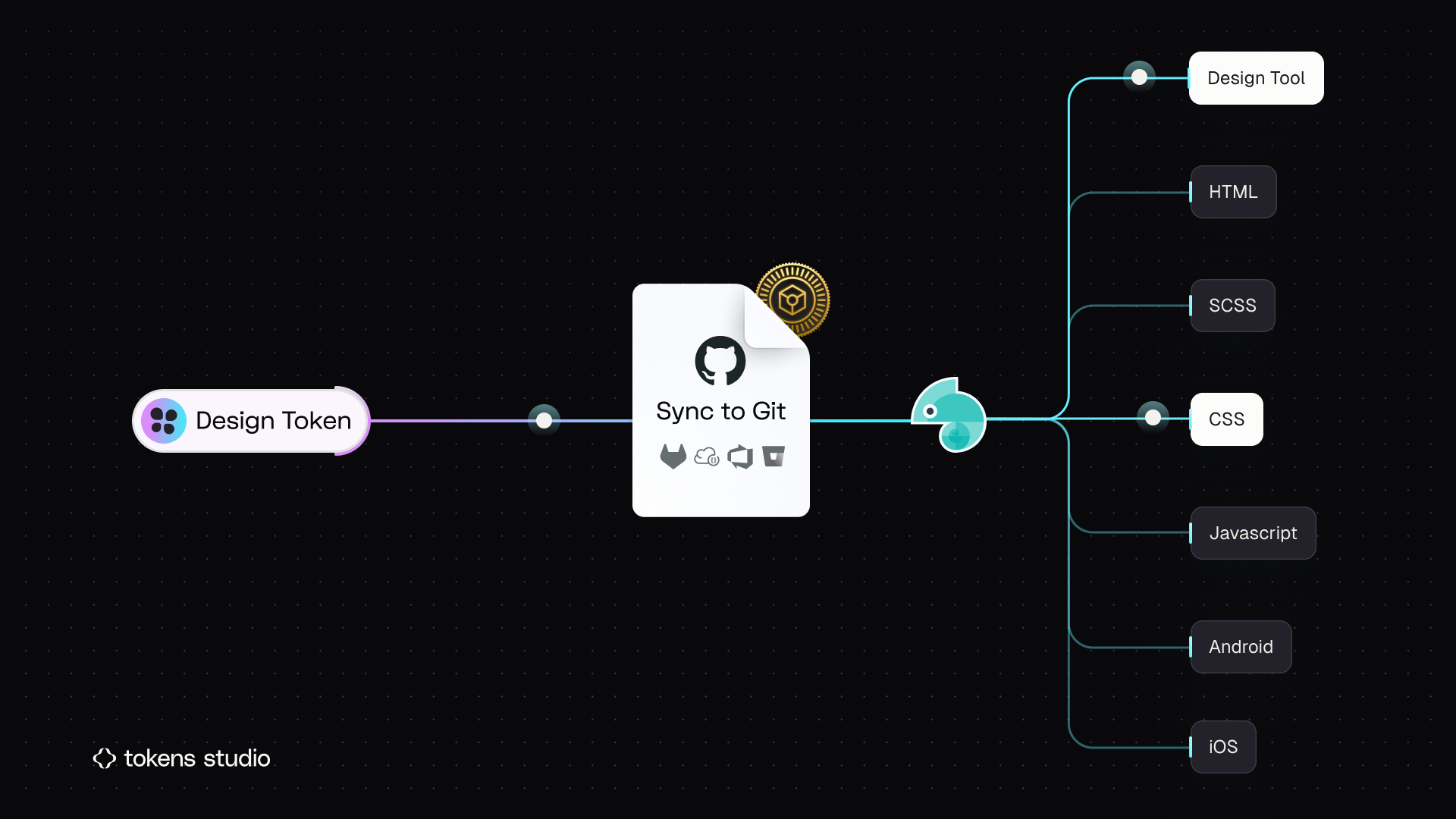
The Geko in this infographic represents Style Dictionary.
Transforming Tokens
Some Tokens we create in Tokens Studio (TS) have subtle differences in how the Token type is written compared to the DTCG specifications. In the case of unofficial Token Types, which don't exist in the DTCG spec, we have to transform the TS Type into something Style Dictionary is prepared to work with.
The SD-Transforms package's preprocessor will transform the TS Token Type to the Style Dictionary Type, as described in the table below.
→ SD-Transforms Read-Me Doc, Using the preprocessor
Available Token Types
Each Token Type has unique properties and specifications, which are documented in detail. Select the common name of the Token Type in the table below to access its docs.
| Common Name | W3C DTCG Official | Composite | TS JSON Type | SD Type | DTCG Type |
|---|---|---|---|---|---|
| Color Token | ✓ | Can be a Property of border, shadow | color | color | color |
| Typography Token | ✓ | Composite | typography | typography | typography |
| Font Family Token | ✓ | Property of typography | fontFamilies and fontFamily | fontFamily | fontFamily |
| Font Weight Token | ✓ | Property of typography | fontWeights and fontWeight | fontWeight | fontWeight |
| Font Size Token | ✓ | Property of typography | fontSizes and fontSize | fontSize | fontSize |
| Line Height Token | ✓ | Property of typography | lineHeights and lineHeight | lineHeight | NA |
| Letter Spacing Token | ✓ | Property of typography | letterSpacing | dimension | dimension |
| Paragraph Spacing Token | X | Property of typography (in TS, not DTCG) | paragraphSpacing | dimension | dimension |
| Text Case Token | X | Property of typography (in TS, not DTCG) | textCase | textCase | NA |
| Text Decoration Token | X | Property of typography (in TS, not DTCG) | textDecoration | textDecoration | NA |
| Dimension Token | ✓ | Can be a Property of border, shadow, typography | dimension | dimension | dimension |
| Number Token | ✓ | number | number | number | |
| Border Token | ✓ | Composite | border | border | border |
| Box Shadow Token | ✓ | Composite | boxShadow | shadow | shadow |
| Border Radius Token | X | borderRadius | dimension | dimension | |
| Border Width Token | X | borderWidth | dimension | dimension | |
| Spacing Token | X | spacing | dimension | dimension | |
| Sizing Token | X | sizing | dimension | dimension | |
| Asset Token | X | asset | asset | NA | |
| Boolean Token | X | boolean | boolean | NA | |
| Text Token | X | text | content | NA | |
| Other Token | X | other | other | NA | |
| Opacity Token | X | opacity | opacity | NA | |
| Composition Token | X | composition | each type in the composition is added individually | NA |
Resources
Mentioned in this doc:
- SD-Transforms - Read Me
- Style Dictionary - https://styledictionary.com/
- Design Tokens Community Group - W3C Draft
- Design Tokens Community Group - 8.0 Token Types
Community resources:
- None yet!
Known issues and bugs
Tokens Studio Plugin GitHub - Open issues for Transforming Token Types
Tokens Studio Plugin GitHub - Open issues for Token Type Support
- Remove composition tokens 2800
Requests, roadmap and changelog
- Expand Token Types - Feature request